Fight monsters with songs
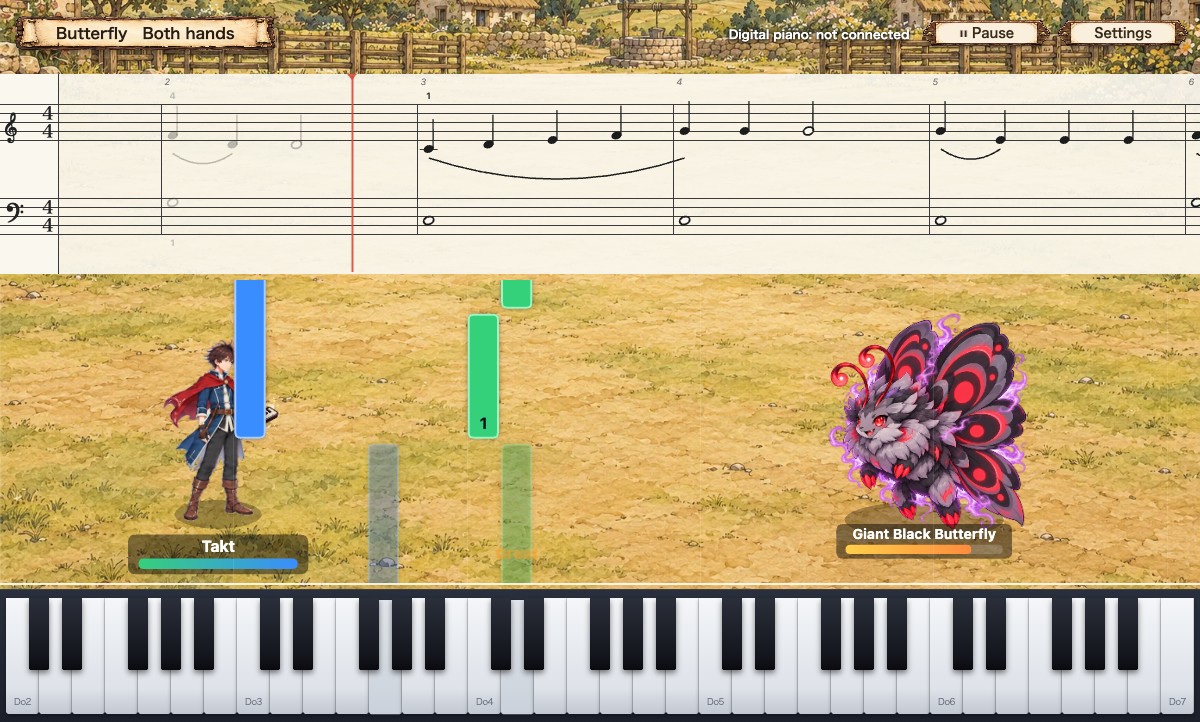
A journey through ten towns, defeating each town's monster by playing the piano.
Play accurately and you attack; make a mistake and the monster strikes back. Win, and the story moves on and the road to the next town opens.
Walk the map, train, and travel
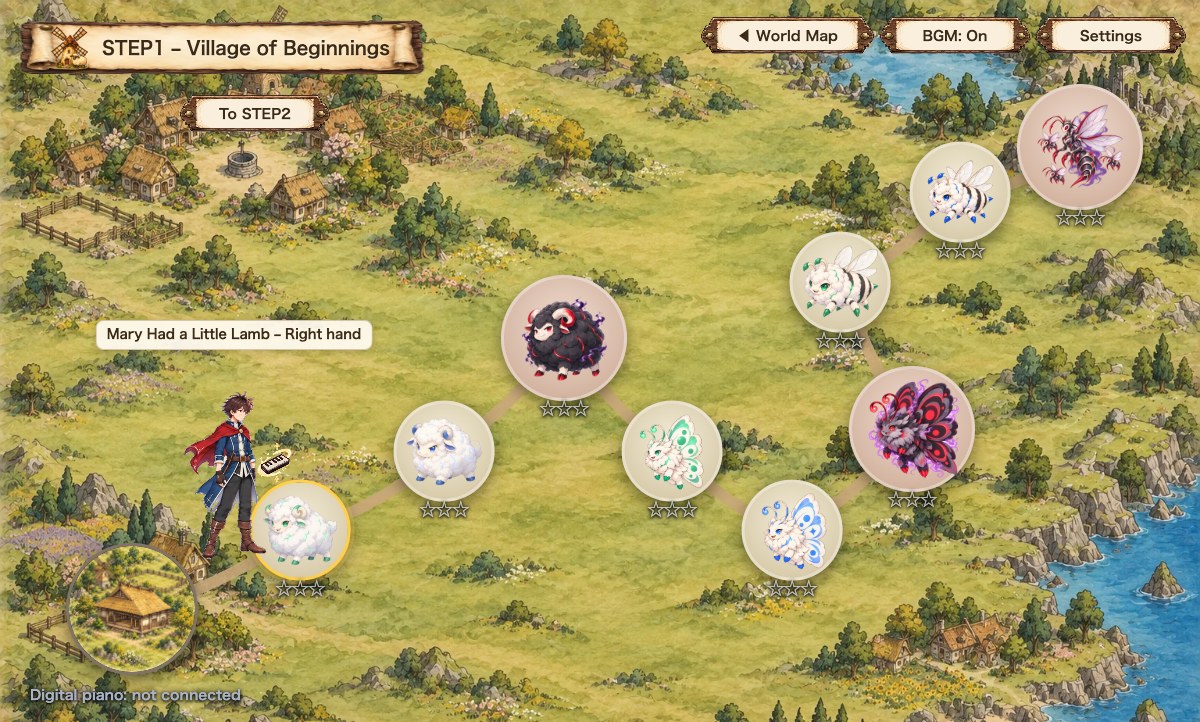
Each town has a Dojo, where you train your fingering under a master. You start in Stay Notes mode, which waits until you press each note, so you can learn without feeling rushed.
The monsters on the map come in order: right hand, left hand, then both hands. It follows the same flow as regular piano practice: start with each hand separately, then put both hands together at the end.
Who we made this for
This isn't about taking piano lessons. It's a path where you learn to play while you play.
If you can't read sheet music
Just press the keys in time with the bars (notes) falling down the screen. The sheet music is shown above, so as you play, "this note goes here" starts to click naturally.
If you struggle to keep practicing
Each song is a battle with a monster, and winning moves the story forward. "I want to reach the next town" becomes your next practice session, just like that.
If you don't own a piano
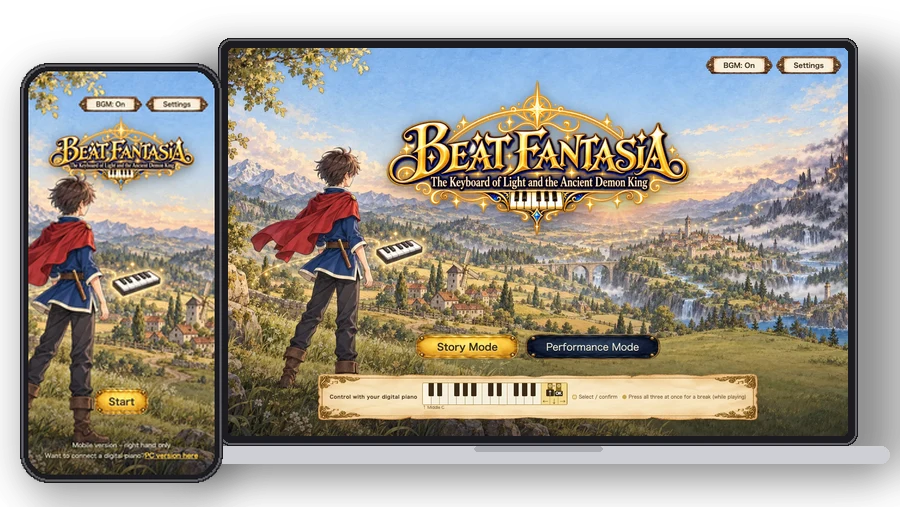
You can play with the on-screen keyboard or your computer keyboard. On just a phone, you can play all the way to the end. And if you find yourself thinking "I could play this!", do give a real piano a try.
What you'll learn across the 10 STEPs
We took a piano school's curriculum and turned it into the order of the journey. – 37 exercises and 26 songs –
| STEP | Area | What you learn | Songs |
|---|---|---|---|
| 1 | Village of Beginnings | Basic fingering | Bun Bun Bun (Buzz Buzz Buzz) / Butterfly / Mary Had a Little Lamb |
| 2 | Frog Marsh | Simple hand position shifts | The Frog Song / Can-Can (Orpheus in the Underworld) |
| 3 | Castle Town Square | Moving accompaniment (single notes) | Bun Bun Bun (Buzz Buzz Buzz) / Ode to Joy |
| 4 | Fox Forest and the Great Stone Bridge | Triad accompaniment | London Bridge / Kogitsune (Little Fox) |
| 5 | Harbor of Farewells | Broken-chord accompaniment 1 | Sayonara (Goodbye) / From Beyer No. 49 |
| 6 | Flower Fields and the Bell Tower | Broken chords 2, G major | Butterfly / The Magic Bells |
| 7 | Eastern Village | Pentatonic scale, the sound of Japan | Spring Brook (Haru no Ogawa) / Sakura Sakura / Antagata Dokosa |
| 8 | Forest Ball | Two-note accompaniment, 3/4 time | Cuckoo / Little Dance |
| 9 | Spindle Town | Two-note accompaniment, 2/4 time | London Bridge / The Frog Song / The Spinning Song |
| 10 | Demon King's Castle | Putting it all together | Ode to Joy / Pomp and Circumstance / Jesu, Joy of Man's Desiring, and more |
By the time you reach the final song, you'll be playing classical favorites with both hands.
Digital piano? Just plug in a USB cable
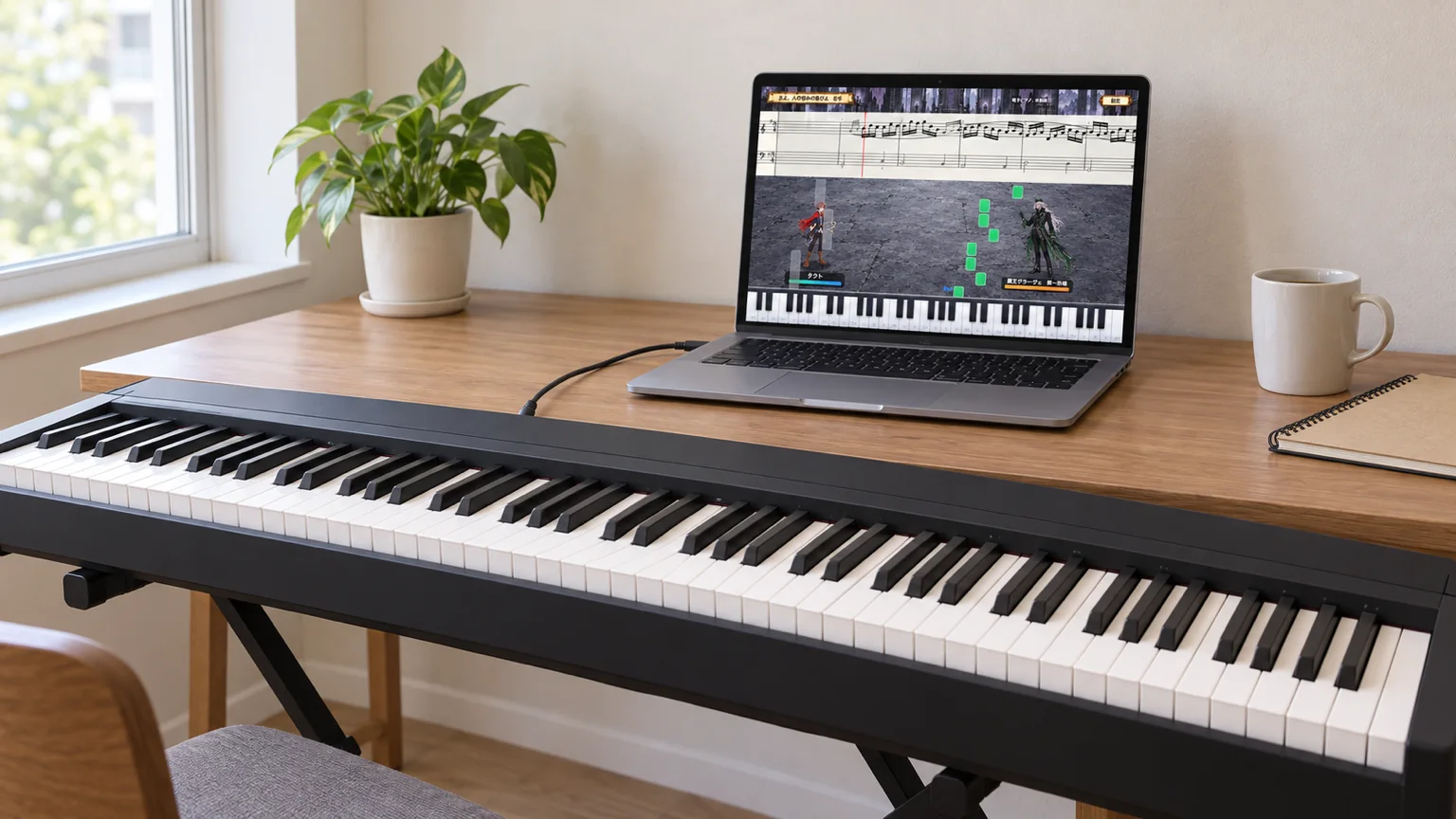
Connect a cable, and you can play on a real keyboard.
Connect your digital piano to your computer with a USB cable, and every key you press goes straight into the game. The game produces the sound, so there's nothing to set up on the piano side.
Even without a digital piano, you can play to the end with the on-screen keyboard or your computer keyboard.
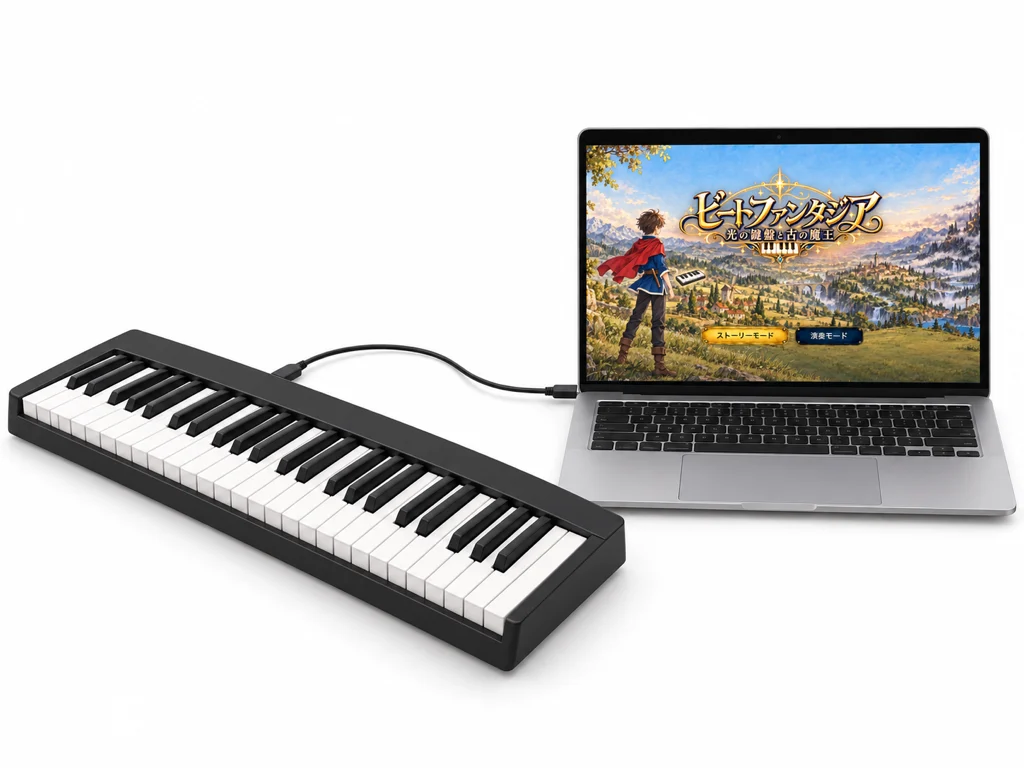
PC
○ Connects with a single USB cable. On both Windows and Mac, please use Chrome or Edge.
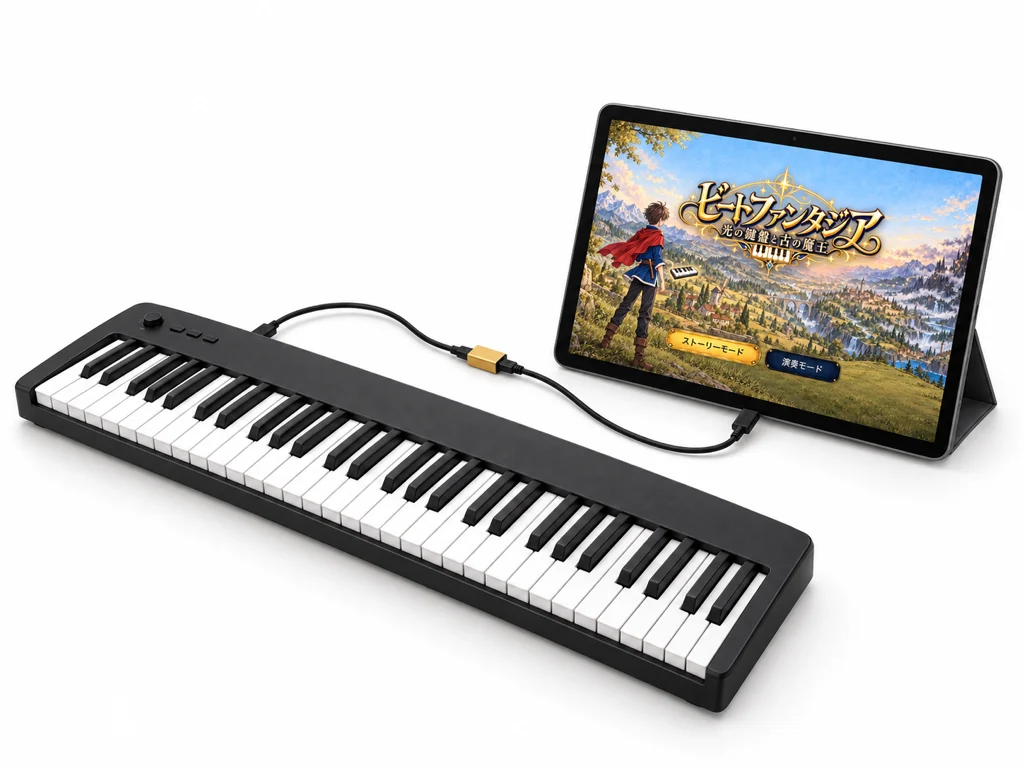
Android tablets and phones
○ Connects with a USB adapter cable (OTG). Open the PC version in Chrome.
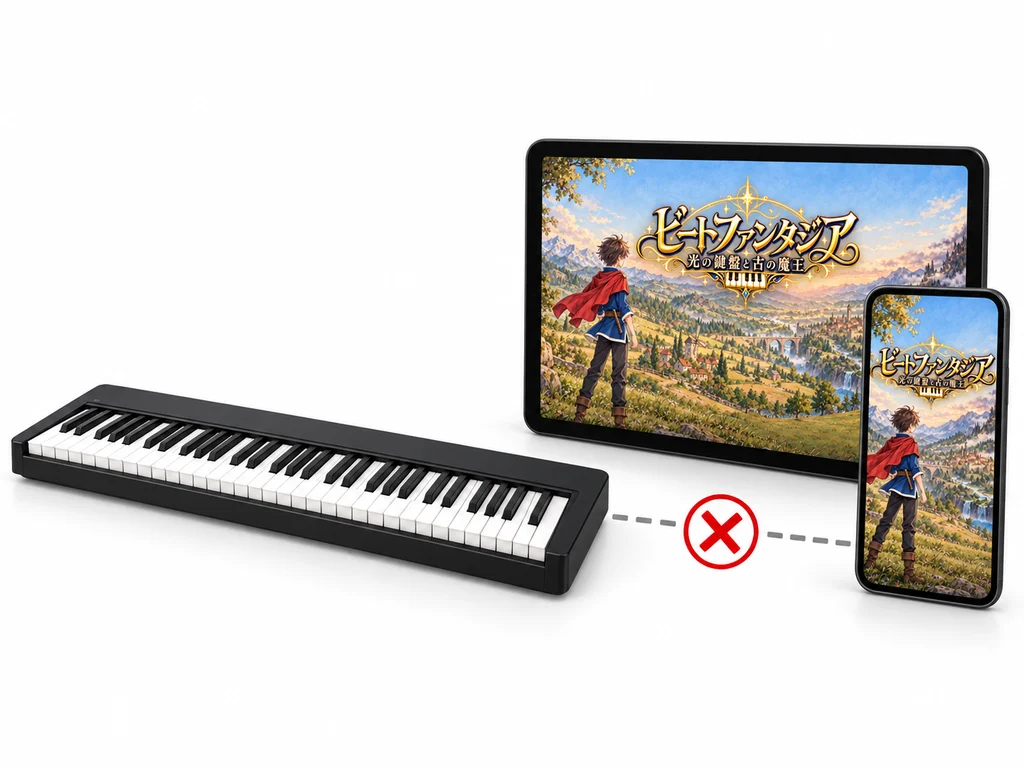
iPhone and iPad
✕ Browser restrictions mean a digital piano can't be connected. You can play to the end with the mobile version, pressing the on-screen keys with your fingers.

No digital piano?
○ On just a phone, you can play to the end by pressing the on-screen keys with your fingers. Nothing to connect.
Compatibility by device
| Device | Version | Digital piano |
|---|---|---|
| Windows and Mac PCsChrome, Edge | PC version (both hands)Mobile version also playable | ○ Connects via USB |
| Android tablets and phonesChrome | Mobile version (right hand) / PC version (both hands) | ○ Requires a USB adapter cable |
| iPhone and iPadSafari and others | Mobile version (right hand)Left hand plays automatically | ✕ Cannot connect |
| Safari on Mac | PC version (both hands) | ✕ Please use Chrome |
Digital pianos that connect via USB-MIDI are supported. Without one, you can still play to the end with the on-screen keyboard or your computer keyboard.
Your progress is saved on the device you play on (the PC version and the mobile version are saved separately).
Digital pianos, and the cables to connect them
The connector varies by model. Match one of the combinations below, and all you need to do is plug in via USB.
Computer side: USB Type-A (Type-C on newer computers) / Piano side: USB Type-B, Type-C, micro-B, or round (MIDI) port
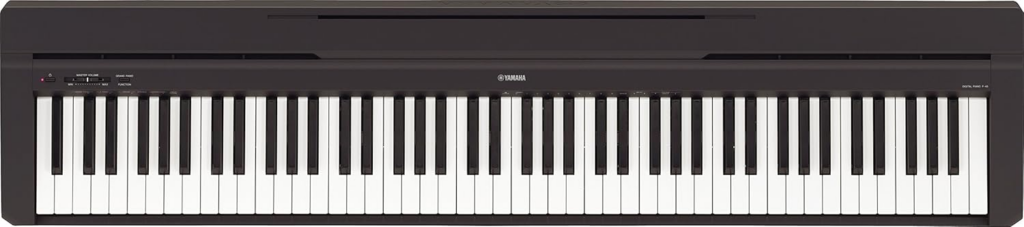
A first piano: YAMAHA P-45B
88 keys. If you're just starting out, this is the one we recommend first.
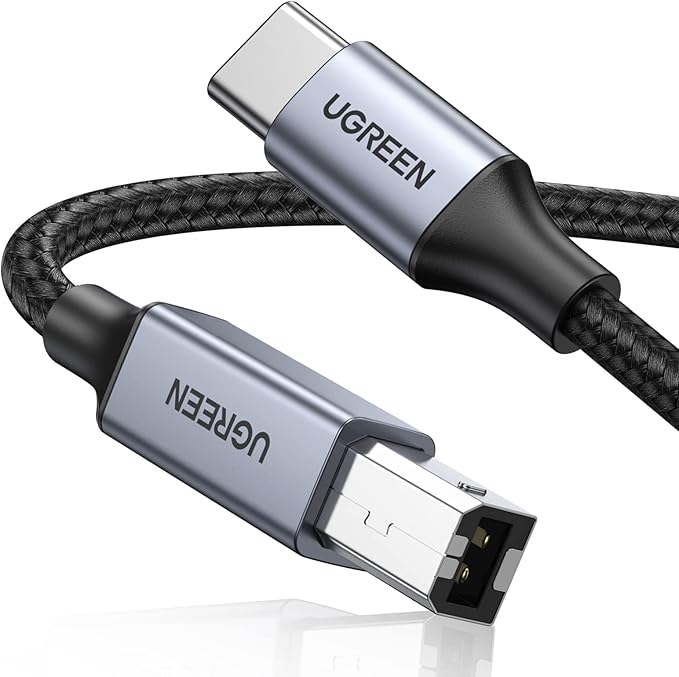
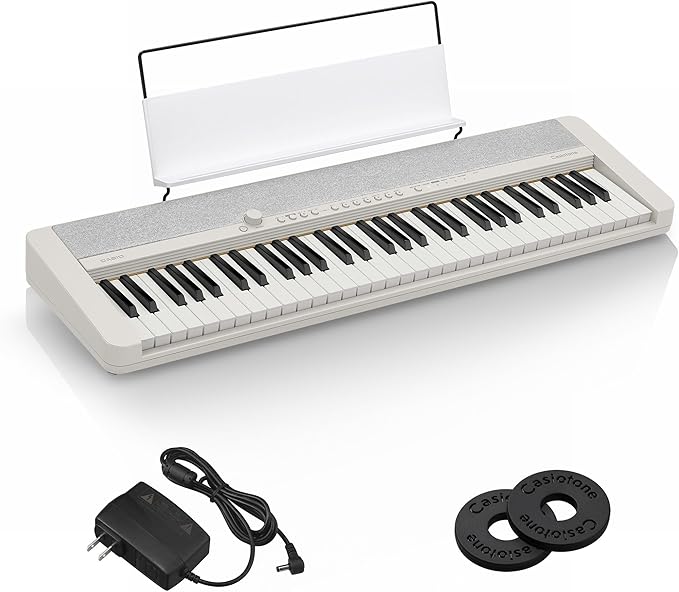
61 keys: Casiotone CT-S1
Every song in this game can be played to the end on 61 keys.
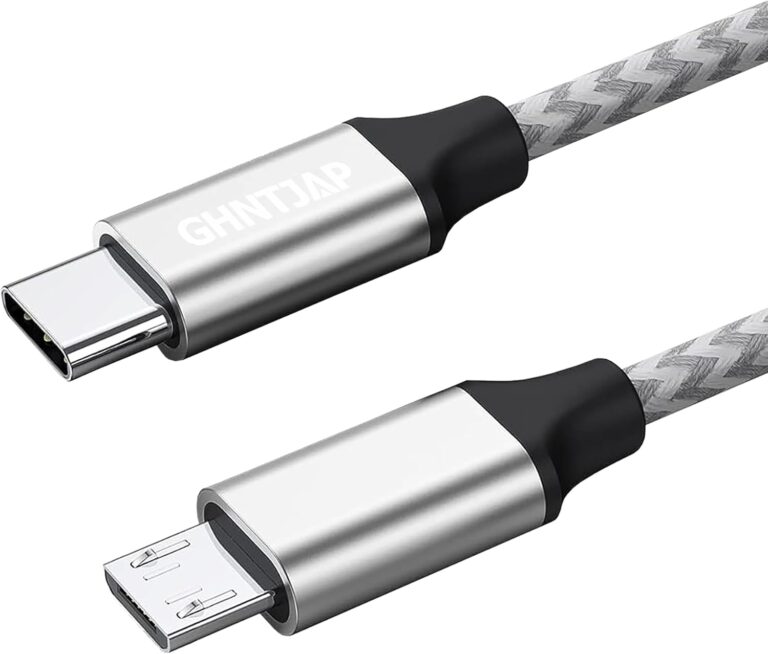
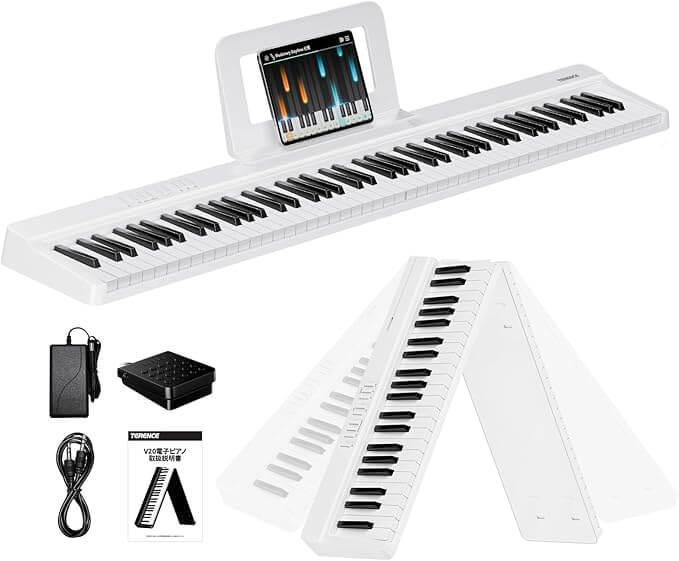
Short on space? Try a folding 88-key piano
A digital piano you can fold up and put away.
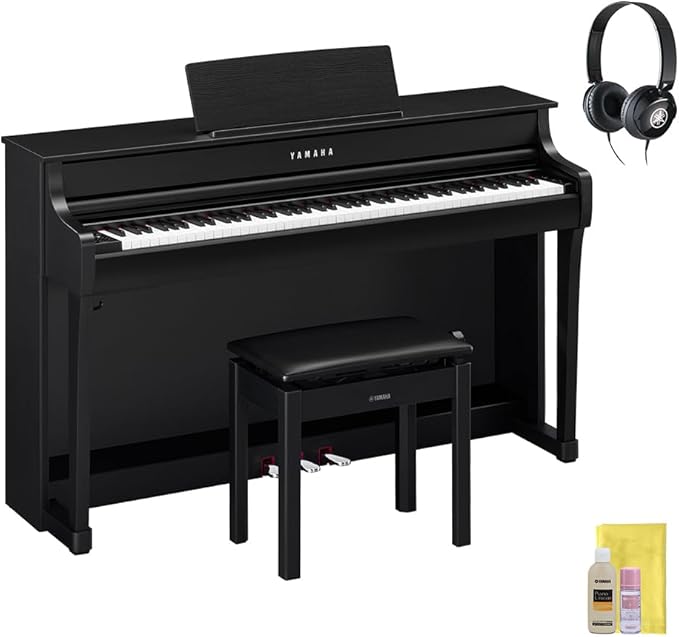
For the feel of the keys: YAMAHA Clavinova
For those who care about key weight and sound. A feel close to a grand piano.
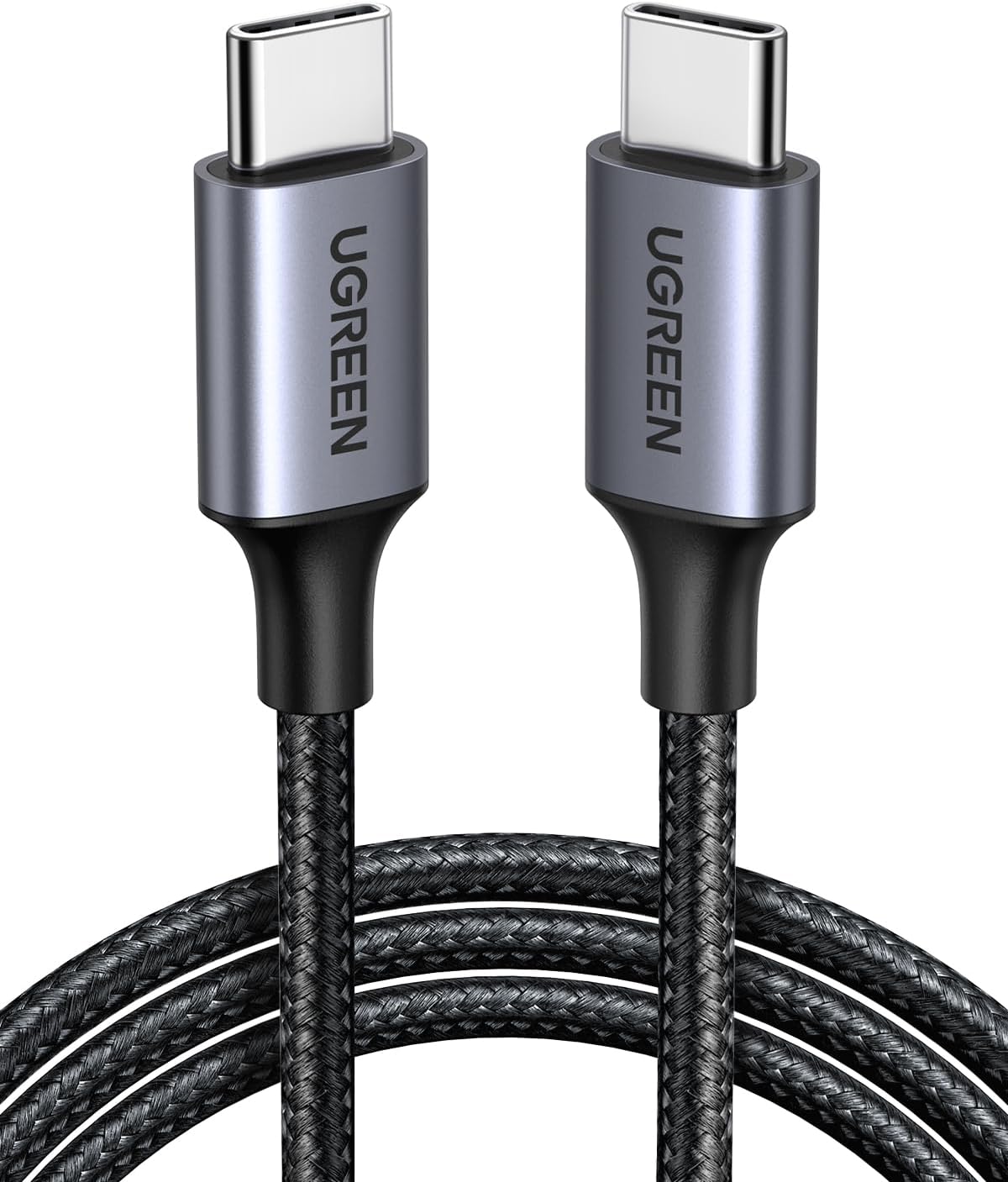
If your computer has no USB Type-C port
To use a Type-C cable, you'll need an adapter.
If your piano has round MIDI ports
Models with round ports connect with an in/out MIDI cable.
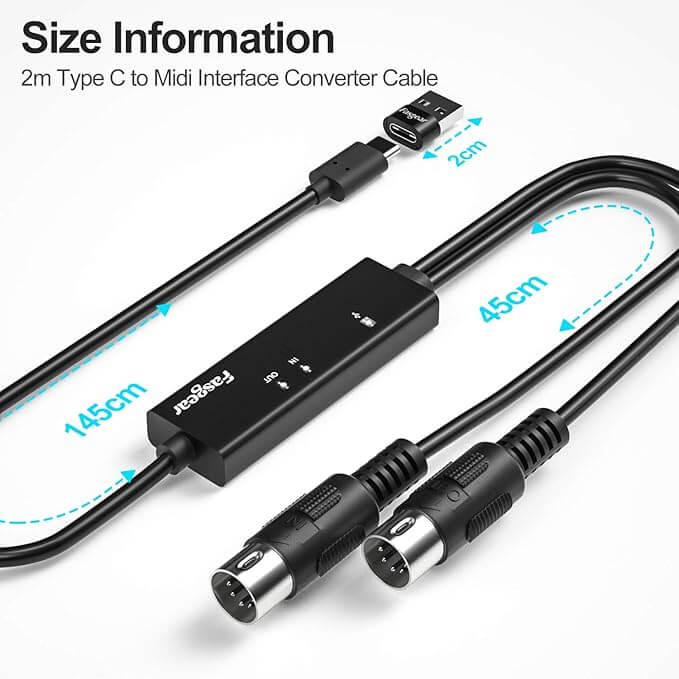
* Some of the cables listed have a USB Type-C connector on the computer side. If your computer has a Type-A port, choose a Type-A to Type-B (or micro-B) cable.
* Product links include advertising (affiliate links). Even without a digital piano, you can play to the end with the on-screen keyboard.
Price
One-time purchase. No monthly payments.
Through STEP1
Free
No sign-up, no payment. Just start playing
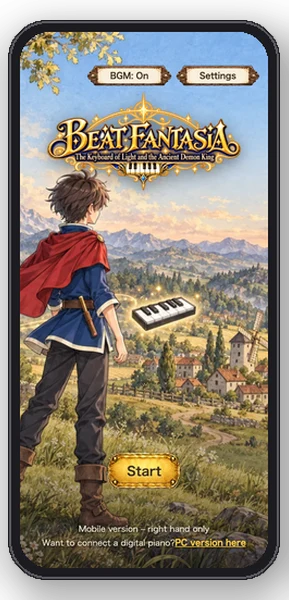
Mobile version
US$6.99
Play to the end on just your phone.
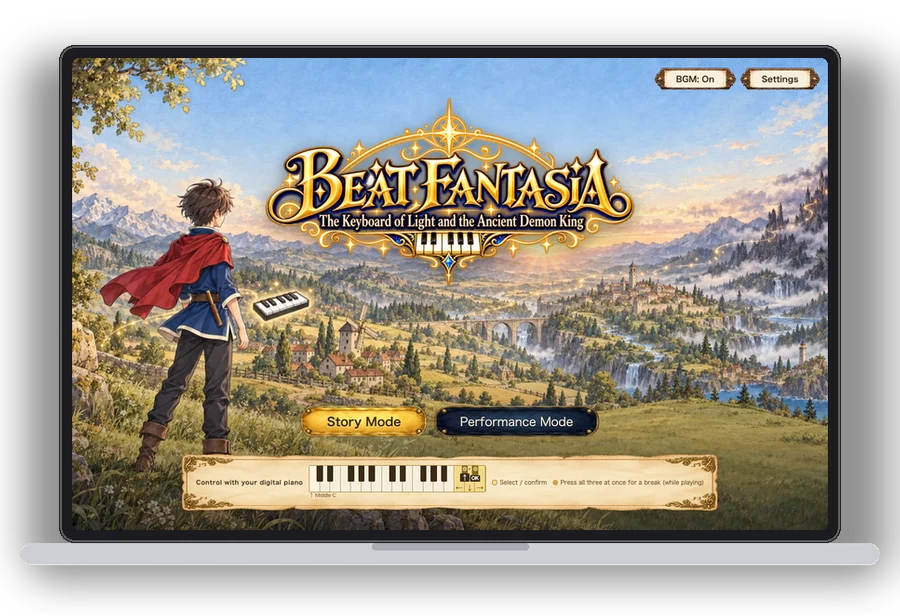
PC version
US$13.99
Both hands, digital piano support. Includes the mobile version
Prices in US dollars (USD).
If you already own the mobile version, you can upgrade to the PC version for the US$6.99 difference. Payment is handled on Stripe's page, and this game never receives your card number. No account registration is needed.
After you buy: On the device you paid on, the rest of the game opens right away. To play on another device, enter the access code (single use) that you receive on screen and by email. You can reissue the access code at any time from the purchase screen. Up to 3 devices can play at the same time.
Frequently asked questions
I can't read sheet music. Can I still play?
Yes. You simply press the keys in time with the falling notes. The sheet music is shown at the top of the screen at the same time, so you'll gradually learn to read it as you play.
I don't own a piano.
You can play with the on-screen keyboard or your computer keyboard. The game produces the sound. If you have a digital piano, connect it via USB and play on a real keyboard.
Can I connect a digital piano to an iPhone?
No. The browsers on iPhone and iPad don't support Web MIDI, the mechanism used to communicate with digital pianos. You can play to the end with the mobile version, pressing the on-screen keys with your fingers. If you want to play on a digital piano, please use a computer or an Android tablet.
Can children play?
The on-screen text is written for ages 12 and up, but the gameplay is simply "press the keys in time with the falling bars". Younger children should play together with a parent or guardian.
What's the difference between the mobile version and the PC version?
The mobile version is in portrait orientation, and you play the right-hand part (the left hand plays automatically). The PC version is for both hands, and you can connect a digital piano. If you buy the PC version, the same purchase lets you play the mobile version too (enter your access code when opening it on another device).
How do I play after buying?
On the device you paid on, the rest of the game opens right away. To play on another device, enter the access code you receive on the post-payment screen and by email into the game's purchase screen. The access code is single use, but you can reissue it at any time from the purchase screen. Up to 3 devices can play at the same time.
What happens to my purchase if I change devices?
Enter the email address you used at purchase into the purchase screen, and we'll send you a link to play on that device (you can also reissue your access code). Up to 3 devices can play at the same time; opening a 4th removes the oldest one. Your progress (stars and how far you've come) is saved per device, so it doesn't carry over.
Can I get a refund?
As this is a digital product, we can't offer refunds for change of mind. If the game doesn't work properly, please contact [email protected] within 3 days of purchase.
Start with STEP1, free
No sign-up, no payment. It starts as soon as you open it.